For farms of real iPhones and Android phones
Super intelligencefor your phone farm.
Build your own farm from the iPhones and Androids you already trust, on one Mac. Drive every screen from a browser, hand the whole fleet to an AI agent, and keep a tamper-evident record of everything either of you did.
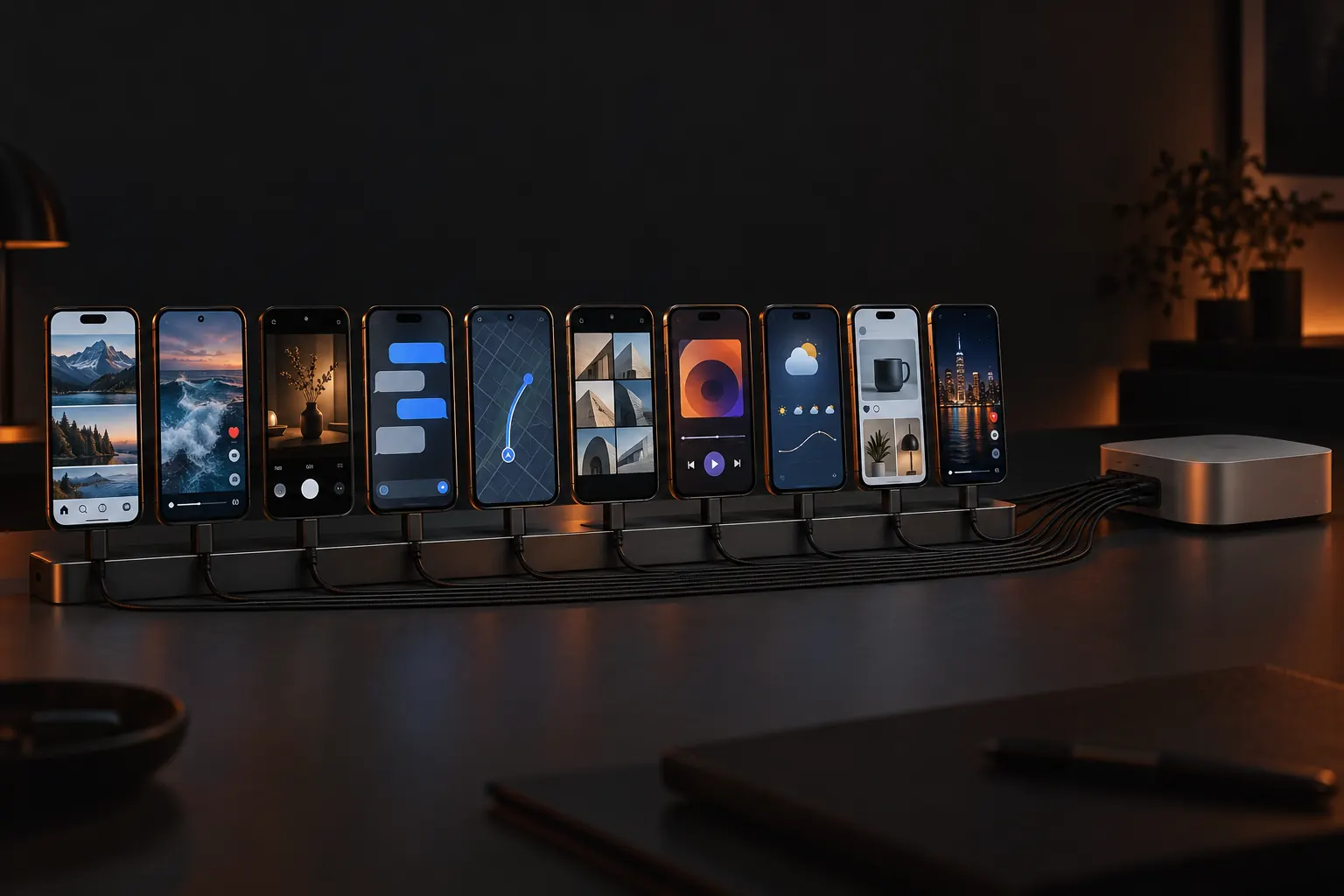
- phones on one Mac
- 50
- tools in your agent's hands
- 13
- measured self-recovery of a killed runner
- 39s
- Cloudflare screens you will ever see
- 0
01Why .si
.si stands for super intelligence. A phone farm used to mean a wall of phones and a person for every handful. Phonez gives the wall a brain. Every screen live in one browser tab. Every phone drivable by a person or by an agent. Every action chained into a record nobody can quietly rewrite.
02How it works
Three moves from a drawer of phones to a farm.
No rack to rent, no emulators, no publishing APIs. The phones are real, they sit on your desk, and the apps on them are the apps your audience uses.
01
Plug in.
iPhones, iPads and Pixel-class Android phones on USB to one Mac running macOS 14 or later. A guided setup enrolls each one, and a new phone joins without a restart.
02
See every screen.
The whole farm streams into one browser tab. Click into any phone and it is yours: tap, swipe, type, Home, screenshot.
New task · 3 phones
Open TikTok, save today's draft, stop before posting
03
Hand it to the agent.
Say what you want in plain words. A vision model looks at the screen and drives the phone, step by step, inside the limits you set.
03Live control
Your whole farm in one tab.
portal · your farm
8 live
01The wall
Every phone, live, in one tab.
iPhones, iPads and Android phones stream into one grid in your browser. Focus a phone and its stream sharpens. From the Mac app, the wall can live on a second monitor.
02Take control
Tap, swipe, type. From anywhere.
Click into any screen and drive it like it is in your hand: tap, swipe, type, Home, screenshot. The phone stays on your desk; your hands can be on another continent.
03One driver per phone
Exclusive leases, clean handovers.
A phone has one driver at a time, a person or an agent. Leases lapse when idle, and an owner can recover a stuck phone behind a fresh re-authentication.
04The record
Every action, chained.
Each tap, swipe and agent step lands in a hash-chained, tamper-evident log that the farm verifies on a schedule. Typed text is never stored: only its length and a keyed HMAC.
04The brain
Give your farm a brain.
Write the task the way you would brief a person. A vision model looks at the screen, decides, and acts through the same lease and the same log as a human operator.
Limits on every run
A step budget, a token budget and a cost cap on every run, and a dry run whenever you want to see the plan first.
A human on the hard calls
System alerts always wait for a person, and you can ask to approve every step.
Save it, schedule it
Keep a task as words or a recorded macro; fire it by hand, once at a time, or on an interval.
Many phones, one brief
Run the same task across several phones at once from the Mac app.
Agent run
farm-03
› On farm-03, open Instagram and save today's draft reel. Stop before posting.
- leasefarm-03 · iPhone 15 · exclusive
- lookscreenshot → home screen
- thinkInstagram sits in row 2, column 3
- acttap(212, 644)logged
- lookscreenshot → Instagram feed
- acttap(+) → Reel → today's draftlogged
- checkcaption screen reached: stopping, as asked
- done7 of 12 steps · $0.04 of a $1.00 cap · released
Thirteen tools in your agent's hands, over MCP.
Plug your own agent into the MCP server on the farm's Mac, or use the agent built into the portal. Seven tools answer on every phone; six more are iPhone and iPad only.
list_devicesall phones
See which phones are on the farm and their state
screenshotall phones
Look at a phone's screen right now
tapall phones
Touch a point on the screen
swipeall phones
Drag from one point to another
scrollall phones
Scroll a feed or a list
homeall phones
Go back to the home screen
launch_appall phones
Open an app by its identifier
app_stateiOS
Ask whether an app is running in front
set_pasteboardiOS
Put text on the clipboard to paste
sourceiOS
Read the screen's element tree
tap_elementiOS
Tap a button by its label, not its pixels
accept_alertiOS
Answer a system alert, always behind a human OK
alert_textiOS
Read what a system alert says
Every tool call takes the phone's lease first, exactly like a person does, so an agent and an operator never collide.
How the brain works
05The calendar
Schedule it. Pin the phone. The agent drives.
Every post names its app, its phone and its time. Nothing lands on whichever device happens to be free, and nothing goes through a publishing API: the agent drives the real app on the phone you pinned.
Approval is a gate, not a trigger.
A post reaches its phone only at its due time, so rejecting or pausing it after approval still stops it.
Two people, every time.
The approver can never be the author, and editing an approved post sends it back for approval.
Read back, then one tap.
The caption is read back off the phone and must match character for character. Share is tapped exactly once, never retried.
06Trust
Every action, on the record.
Your VAs and your agents work from the same audit trail. Each entry is chained to the one before it, so an edit anywhere breaks the chain, and the farm checks it on a schedule.
- One driver per phone
- An exclusive lease: a person or an agent, never both. Idle leases lapse on their own.
- Typed text stays secret
- Passwords and 2FA codes never reach the log. It keeps the length and a keyed HMAC, nothing else.
- Owners and operators
- Operators see only the phones they are assigned. Invite by link, scope by phone.
- Revocation that bites
- Revoke a seat and that person's very next request is refused.
- #48,207 · mayaprev a91f…3c08
lease farm-03
- #48,208 · mayaprev 4be0…9171
tap 212, 644
- #48,209 · mayaprev c2d7…0a5e
type 12 chars · hmac 7f3a…
- #48,210 · agentprev 19aa…e4d2
screenshot farm-05
- #48,211 · agentprev e5c1…7b30
tap 88, 1402
- #48,212 · ownerprev 0f42…d9b6
revoke jon · session ended
07Build your farm
Build your own phone farm.
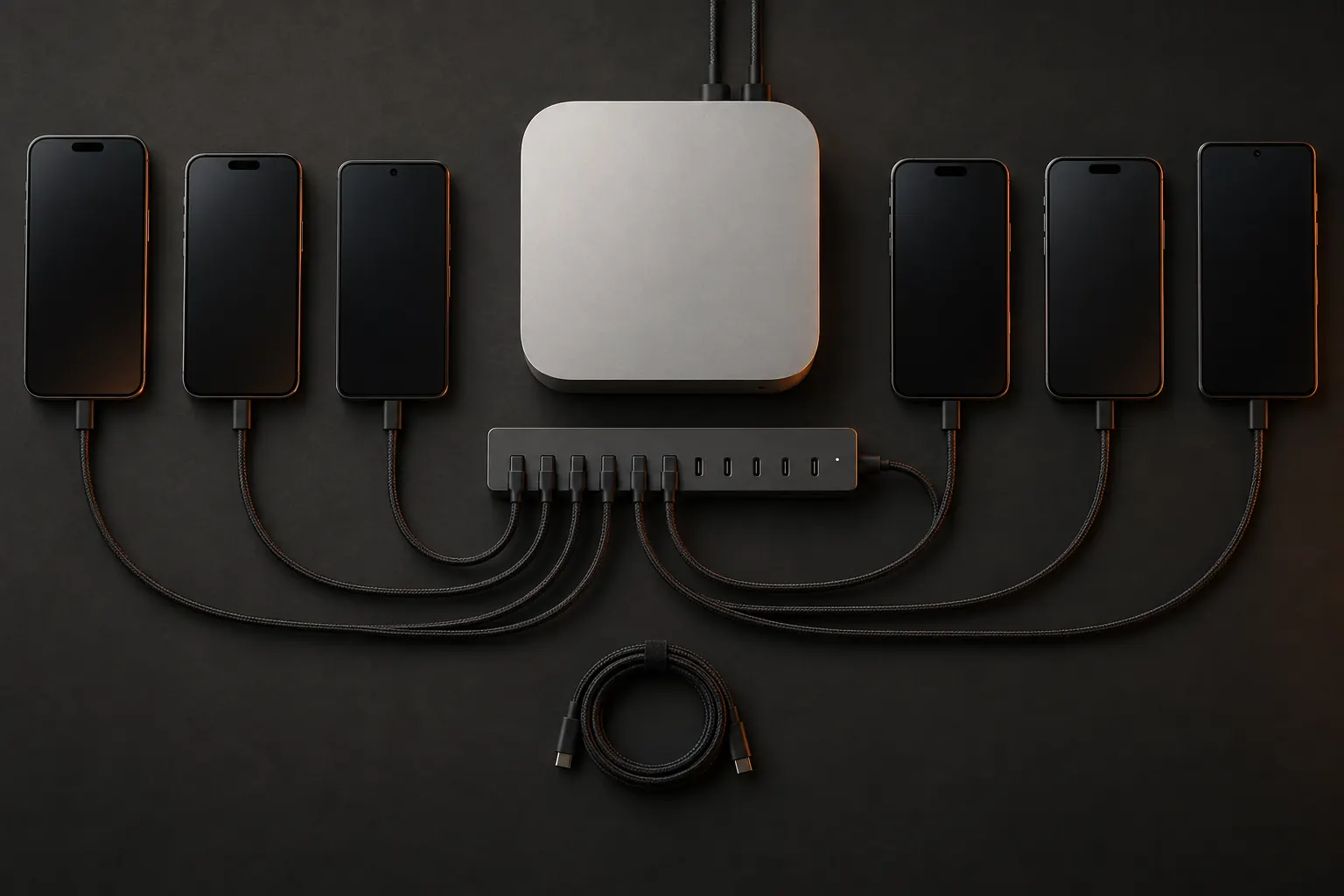
No rack to rent and no devices in someone else's building. A Mac, a hub and the phones you trust: Phonez turns the pile into a farm.
- 01
A Mac
Any Mac on macOS 14 or later. It runs the farm, the streams and the agent's hands.
- 02
A powered USB hub
Bus power will not feed a row of phones. Give every port real power.
- 03
Short, good cables
One per phone. Most farm faults are a tired cable, not the software.
- 04
The phones
iPhones and iPads you already own, and Pixel-class Android phones. Mix freely.
iPhones and iPads
Developer Mode on
Android phones
Pixel-class, USB debugging on
Phones
6
5 in the plan, 1 more
Per month
$219.99
$20 for each phone past 5
Comfortable on one Mac and one good powered hub.
08Self-healing
It fixes itself at 3 a.m.
Phones crash, cables wiggle, Macs reboot. The farm notices, climbs a recovery ladder and gets back to work before anyone opens a ticket.

01
A recovery ladder
Recheck, relaunch the runner, reboot the phone, and only then quarantine it. A killed runner came back in 39 seconds on real hardware.
02
A medic every five minutes
Sweeps stale claims and tunnel flaps, and verifies the audit chain while it is there.
03
Starts with the Mac
The farm and its tunnel run as services, so a power cut or a reboot brings them back on their own.
04
Never fills your disk
Logs rotate, and when free space runs out the portal turns read-only instead of falling over.
05
Notices a replug
Pull a phone, plug it back in. The farm sees it leave and sees it return.
06
Updates when you say
New versions arrive signed and wait for your yes. Nothing installs itself mid-shift.
09Own, don't rent
Per-phone rent punishes you for growing.
A competitor publishes $79 per iPhone per month at 5 to 9 phones, $64 at 10 to 24, and $49 at 25 to 49. A 10-phone fleet there is $640 every month, forever, for access to devices that sit in their building.
Competitor pricing taken from their public pricing page at the time of writing.
10Pricing
One plan. 5 phones included.
Your Mac. Your iPhones and Androids. Your control plane.
The farm plan
$199.99/month per farm
then $20/month per extra phone
- 5 phones included — iPhone, iPad or Android. $20/month for each phone beyond that, prorated automatically.
- An Android takes a seat exactly like an iPhone. No Android surcharge, no Android line item: one plan, one price.
- Unlimited operators and seats. Pay for the phones, not the people.
- Agent runs are metered by use, and every run carries its own cost cap.
- Over your phone count? The phones you already run keep working.
11Questions
Straight answers.
Does it work with Android phones, or just iPhones?
Both, on the same plan. Pixel-class Android phones plug in over USB and get a live stream (with screenshots as the fallback), tap, swipe and type, agent runs, and seven of the thirteen agent tools. iPhones and iPads add the other six: reading the element tree, system alerts and the clipboard.
Why .si?
Super intelligence. The phones are ordinary; the brain on top of them is the point.
How many phones can one Mac run?
Up to 50 per Mac. Around 15 is the easy range; past that, plan for more powered hubs and short, good cables.
Is it secure if my VAs are remote?
Operators see only the phones they are assigned, each phone has one driver at a time, every action lands in a hash-chained log, and typed text is never stored, only its length and a keyed HMAC. Revoke a seat and that person's next request is refused.
Do I need to be technical?
A little, once. iPhones need Xcode and an Apple ID (the setup wizard builds and signs the runner for you), and you type each phone's passcode once to turn on Developer Mode. A free Apple ID has to re-sign every 7 days; a paid developer account does not. There is no Cloudflare account, no tunnel to configure and no UUID to copy.
Can two people control the same phone?
Not at once. One driver per phone, a person or an agent. Release it and the next person takes it, with handover notes attached to the lease.
Does it post to Instagram for me?
No publishing APIs and no emulators, ever. Your people, or your agent, drive the real app on a real phone. The calendar schedules Instagram and TikTok posts and hands each one to the phone it was pinned to at its due time.
What if an approved post needs to stop?
Reject or pause it and it stops, even after approval, because approval is not the trigger. The due-time handover to the pinned phone is.
What happens if the Mac reboots?
The farm and its tunnel run as services and come back on their own. A medic sweeps every five minutes, and a phone that falls over climbs a recovery ladder before anyone has to look.