The build guide
Build your own phone farm.
A Mac, a powered hub, good cables and the phones you already trust. No rack to rent, no devices in someone else's building. This is everything it takes, in the order you do it.
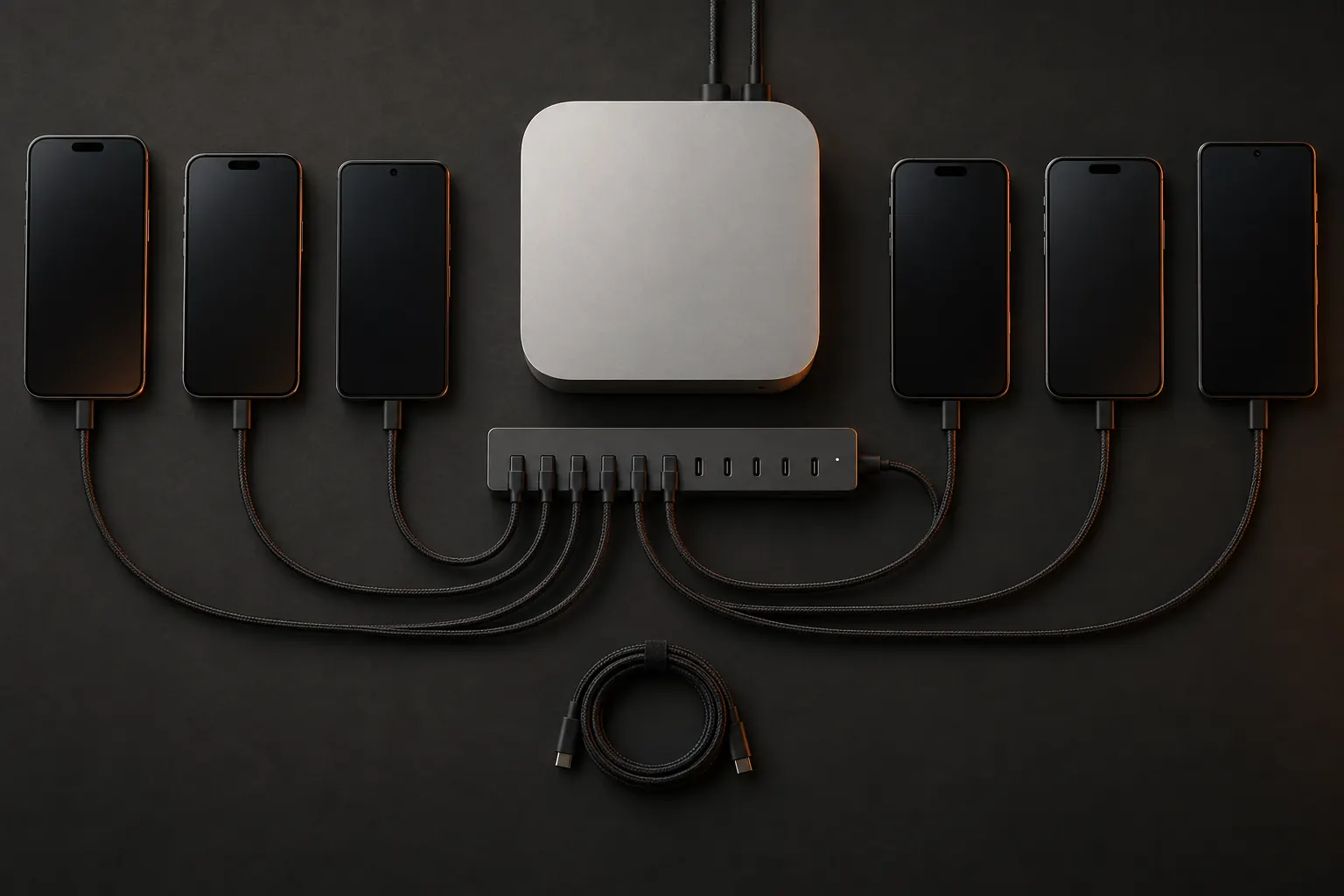
01What to buy
Four parts. No rack.
Everything below is ordinary hardware. The intelligence is the software on the Mac.
The Mac
macOS 14+
Any Mac on macOS 14 or later
It runs the farm, every stream and the agent's hands. Plug it into power and keep it awake; the setup wizard shows you the one command for that.
Power
1 per ~10 phones
A powered USB hub
A laptop port will not feed a row of phones. Every port should carry real power, so phones charge while they work.
Cables
1 per phone
Short, good cables
One per phone, as short as the layout allows. A tired cable is the most common farm fault, and the farm will tell you which one.
Phones
up to 50
iPhones, iPads and Androids
The phones you already trust, mixed freely. Pixel-class Android phones work alongside iPhones on the same plan.
02Size it
Plan the rack, see the bill.
Mix iPhones and Androids however you like: an Android takes a seat exactly like an iPhone. The read-out is the monthly price, straight from the plan.
One Mac runs up to 50 phones. Around 15 is the easy range; past that, add powered hubs and keep cables short.
Operators and seats are unlimited. You pay for phones, never for people.
iPhones and iPads
Developer Mode on
Android phones
Pixel-class, USB debugging on
Phones
6
5 in the plan, 1 more
Per month
$219.99
$20 for each phone past 5
Comfortable on one Mac and one good powered hub.
03Set it up
From box to grid in six steps.
Honest about the one part that takes a minute per phone: an iPhone needs your Apple ID and its passcode once. Everything else is guided.
01
Install the Mac app
Download the DMG, drag it to Applications, sign in. Updates arrive signed and wait for your yes.
02
Run “Set up this Mac”
A ten-stage wizard that can be re-run and picks up where it stopped. Your tunnel, DNS and access are provisioned for you: no Cloudflare account, ever.
03
Plug in a phone
The farm detects it and enrolls it in place. A new phone joins without a restart.
04
iPhone: one-time trust
The wizard builds and signs the on-phone runner with your Apple ID. You type the phone's passcode once to turn on Developer Mode.
05
Android: USB debugging
Turn on USB debugging, accept the Mac's key on the phone, and it joins the grid.
06
Live
The phone appears in your browser grid, ready for your team and your agent.
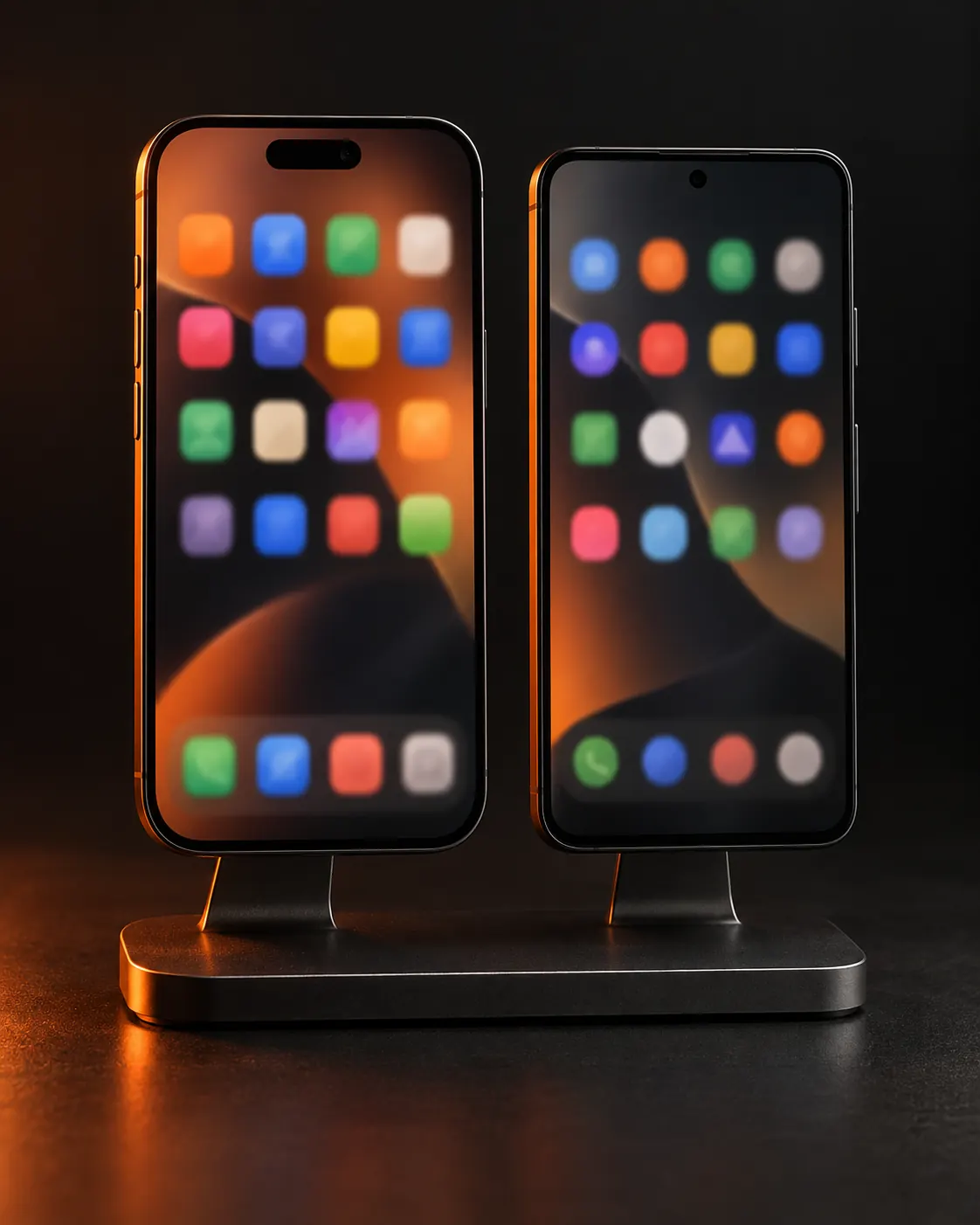
04iPhone and Android
Two platforms, one grid.
iPhone and iPad
- Xcode and an Apple ID on the Mac
- Developer Mode, passcode typed once per phone
- A free Apple ID re-signs every 7 days; a paid one does not
- All 13 agent tools, element tree included
- Failed agent runs keep a screen recording
Android
- Pixel-class phones on USB
- USB debugging on, the Mac's key accepted
- Live stream, with screenshots as the fallback
- Tap, swipe, type and agent runs
- 7 of the 13 agent tools